A complete AI assistant for Obsidian. Chat, edit, search, automate—all from your sidebar.
Conversational AI that understands your vault
Cursor-like chat panel in your Obsidian sidebar. Send messages, see responses in real-time.
Drag files into chat to give the AI context. Attach multiple notes at once.
Capture selected text from your editor with /select tokens. Reference specific passages.
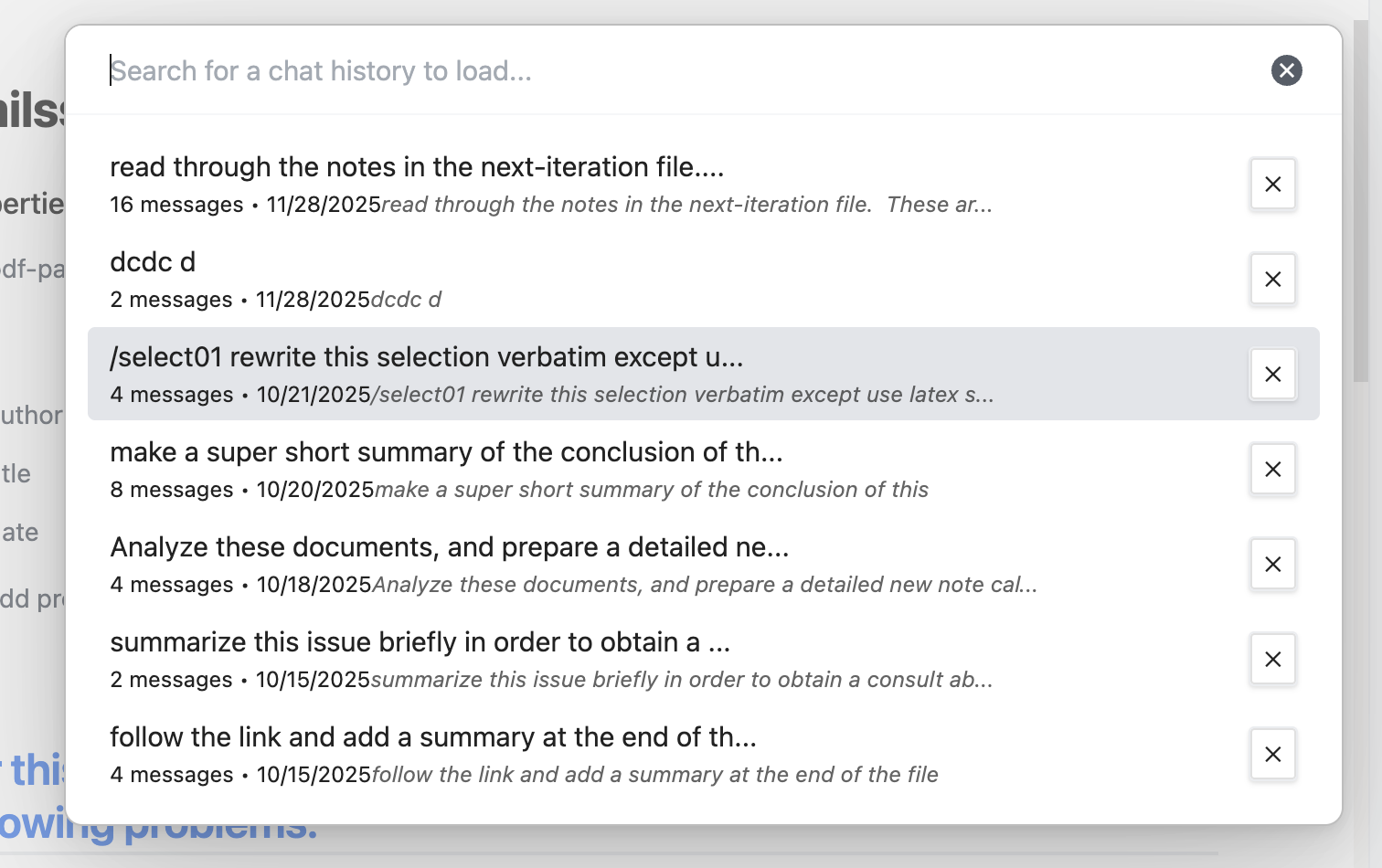
Conversations save automatically. Browse, search, and reload previous chats.
Export any conversation as a formatted Markdown note in your vault.
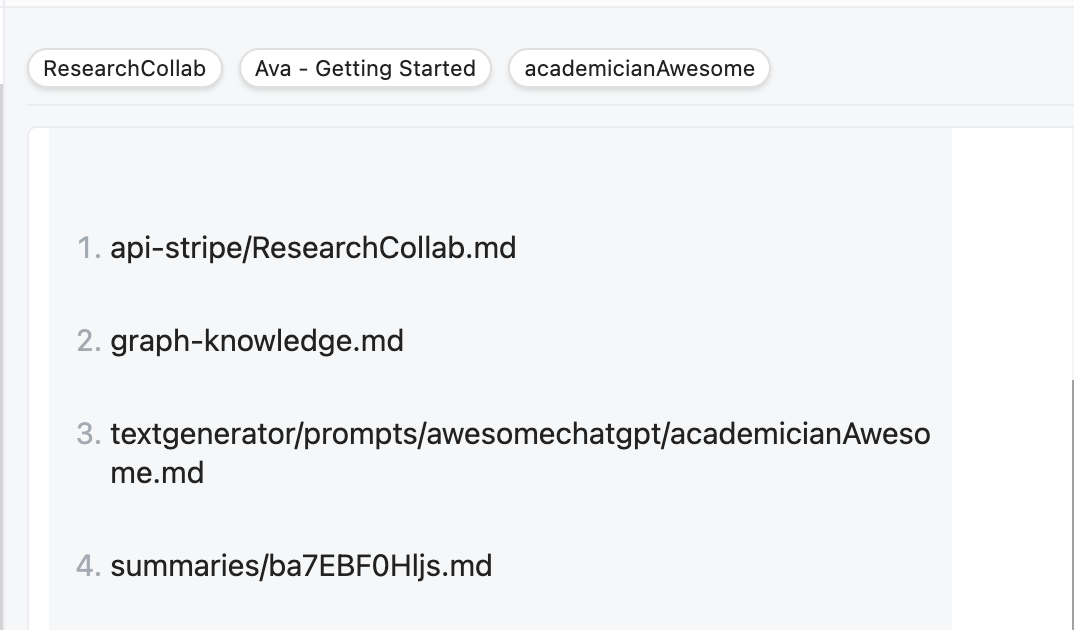
AI suggests relevant notes based on your conversation. Add them with one click.
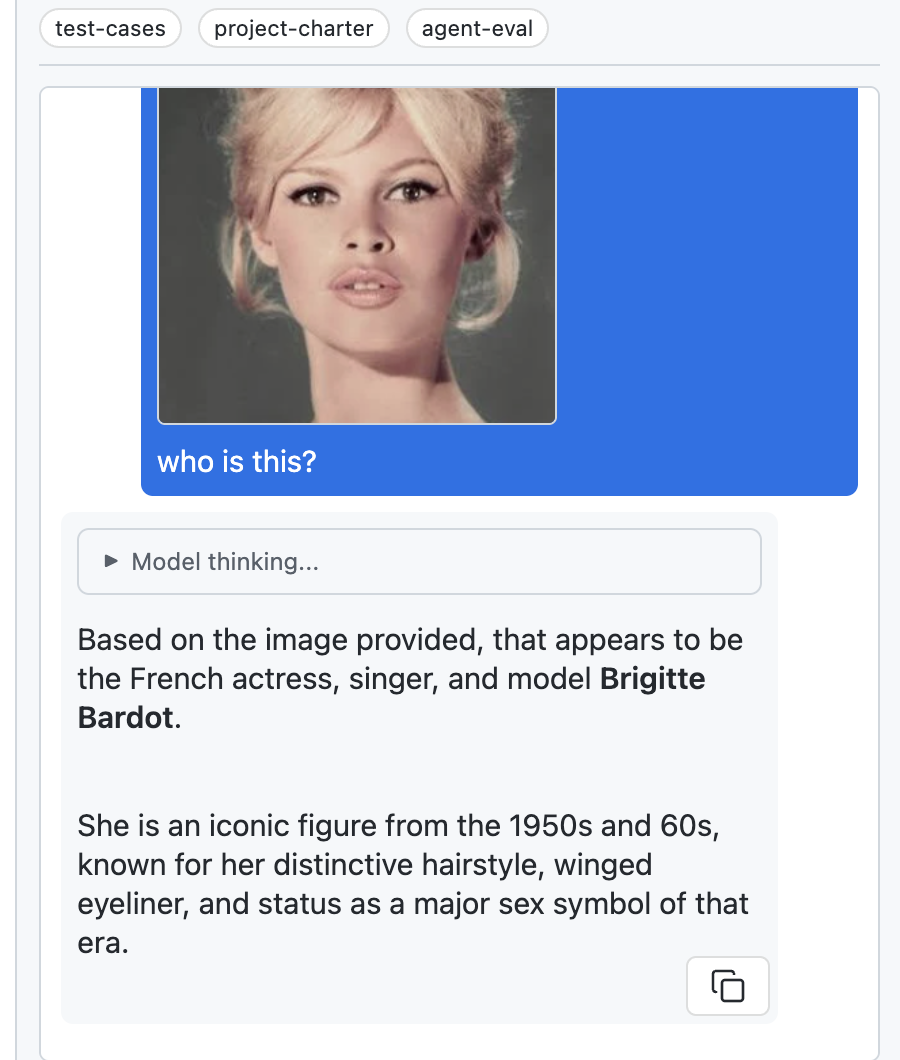
Paste or drag images into chat. AI analyzes photos, diagrams, and screenshots. Pro feature.
Read, edit, and create notes from chat
AI can read any file in your vault to understand context and answer questions.
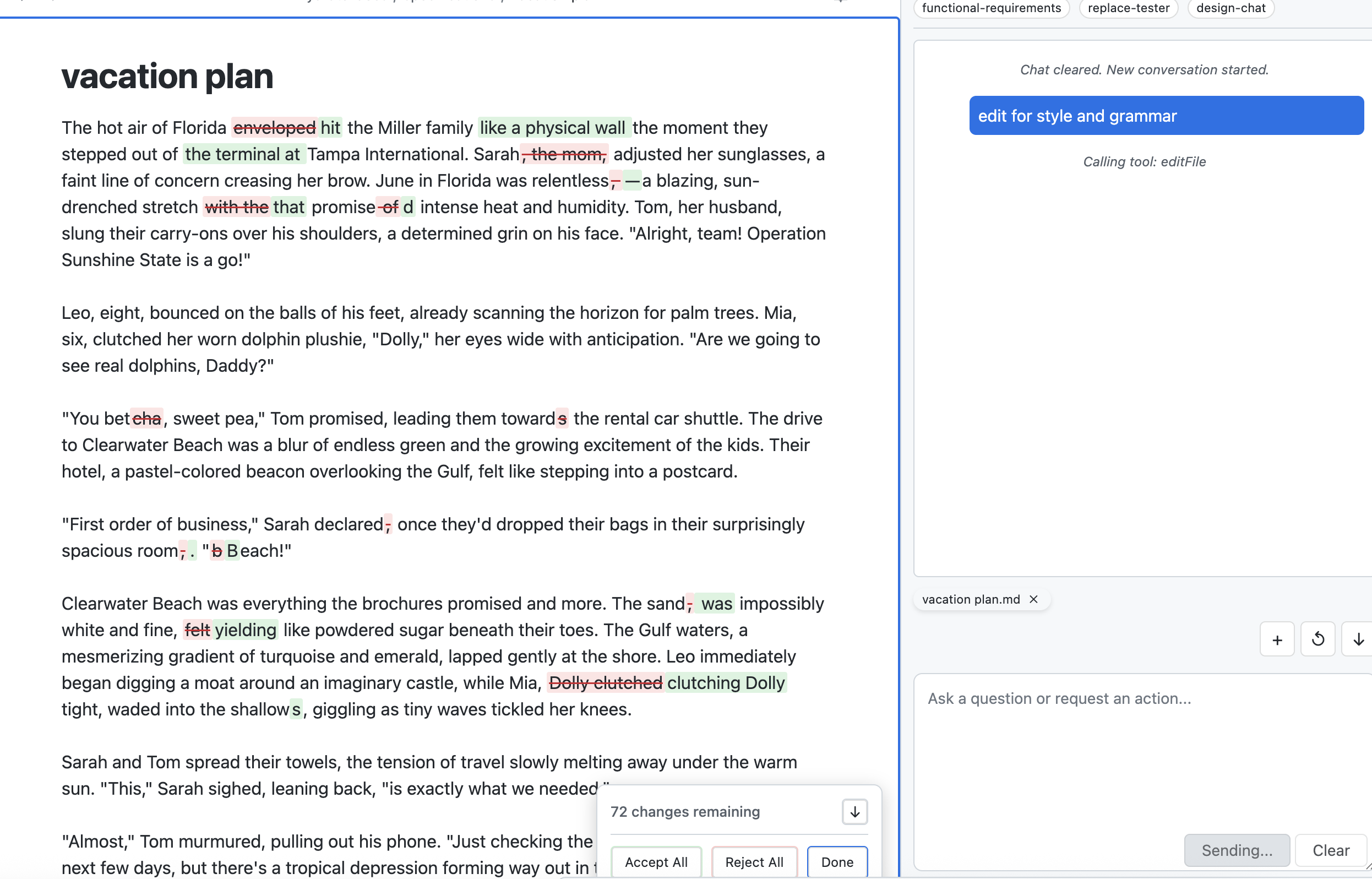
Make changes to existing notes directly from chat. AI writes, you approve.
Generate new notes from scratch. AI creates, you decide where to save.
Inline highlights show additions, deletions, and modifications. Accept or reject each change individually.
Surgical edits using before/after context matching. Precise changes without overwriting.
AI can work across multiple files in a single conversation. Refactor, move, reorganize.
Find anything in your vault by meaning
Search by meaning, not just keywords. Find related notes even if they use different terms.
Index your entire vault with embeddings. Configure which file types to include.
Get context-aware suggestions during chat. AI finds relevant notes you might have forgotten.
Use remote embedding APIs. Configure endpoint, model, and indexed file extensions.
Build reusable prompts and workflows
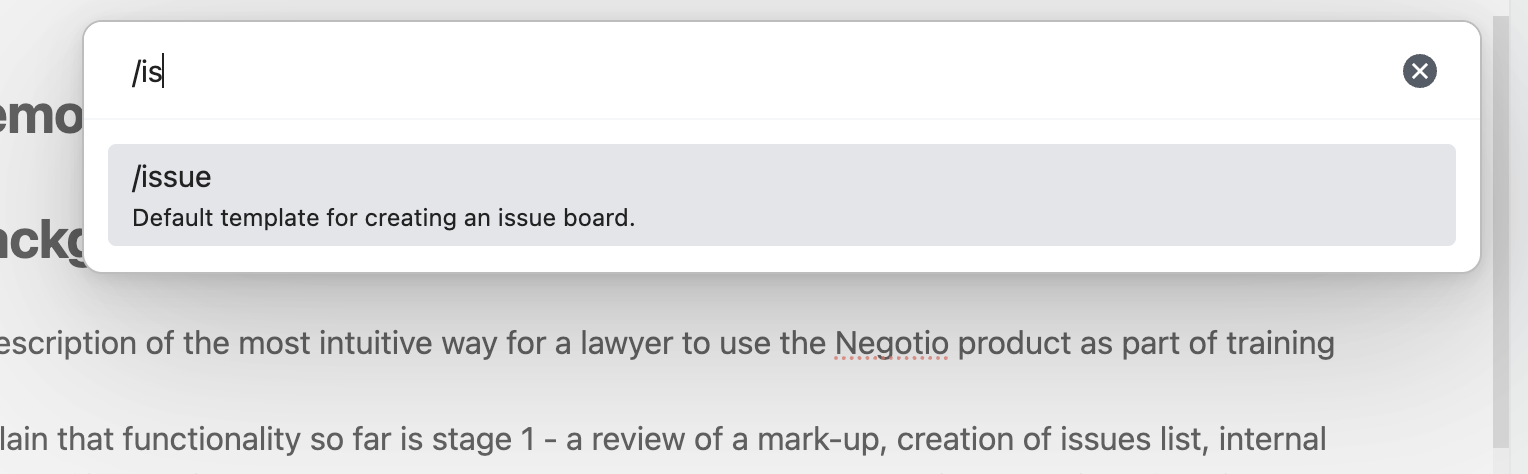
Create reusable prompts triggered by /commands. Fuzzy search to find them quickly.
Save templates for common outputs. Markdown, JSON, or plain text content types.
Define rules that apply based on frontmatter tags. Customize AI behavior per-note.
Templates support versioning. Update without breaking existing workflows.
Alternative ways to view your notes
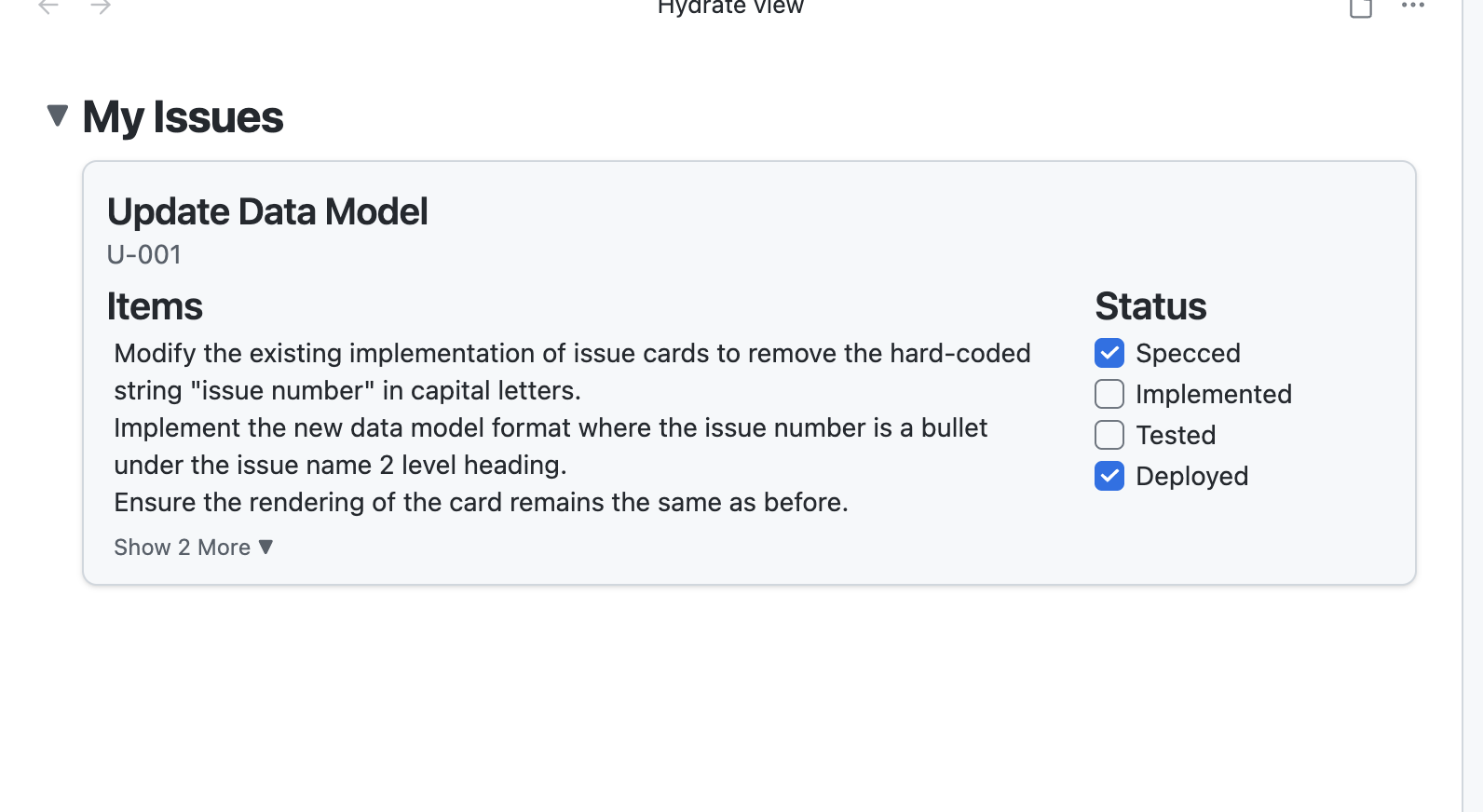
Kanban-style board for task management. Parse Markdown into groups, issues, and items.
Interactive checkboxes in the Issue Board. Mark items complete without editing Markdown.
Switch between Markdown editor and React views. Route based on frontmatter tags.
Collapse and expand groups and cards in the Issue Board. Focus on what matters.
Use /create-view to generate custom React views from a prompt, and /edit-view to modify them. Max feature.
Connect external tools and services
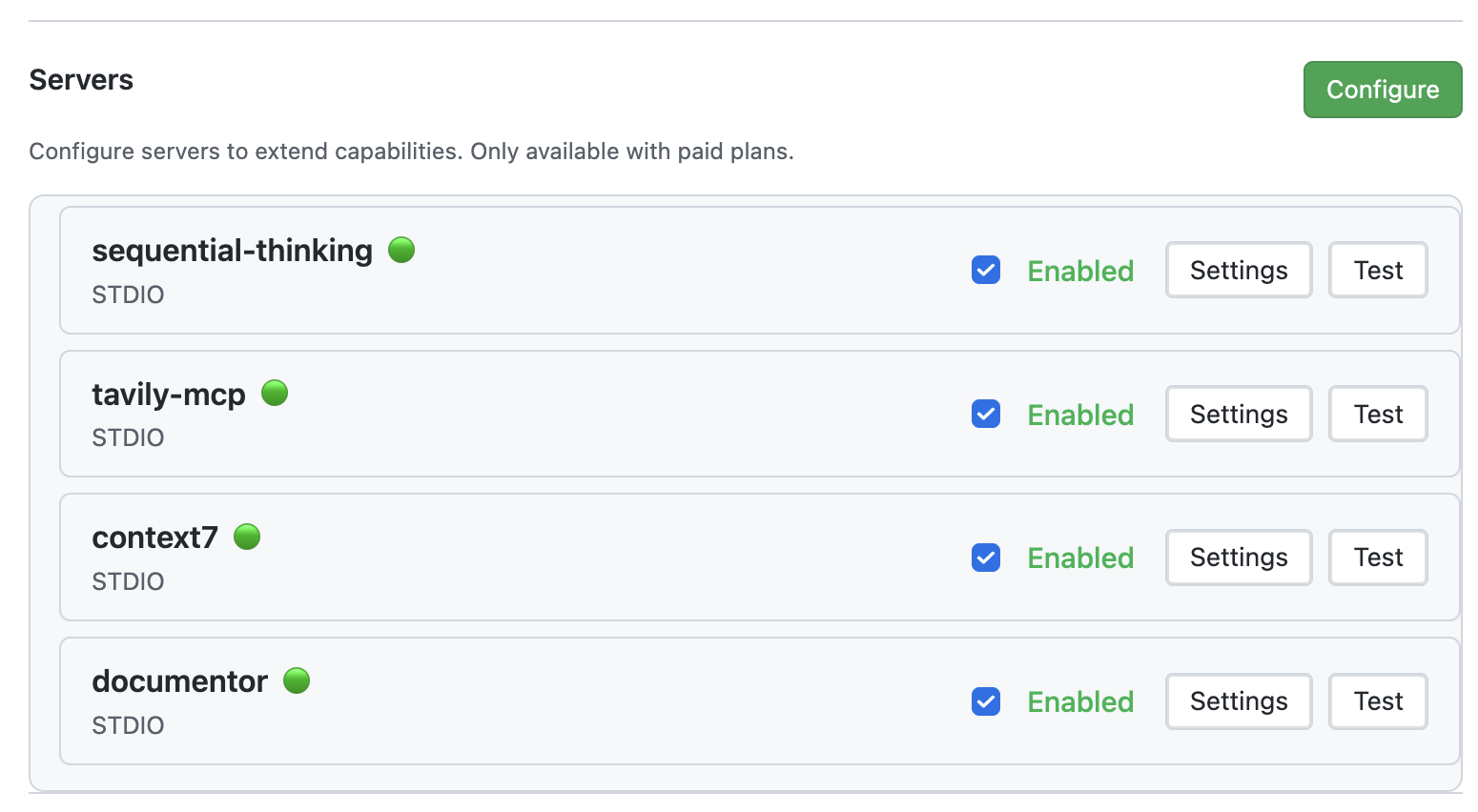
Connect Model Context Protocol servers for external tool integrations. Pro feature.
OpenAI, Anthropic, Google. Switch models per-conversation or set a default.
Enable/disable servers, configure paths, test connections. Full control over integrations.
AI can use tools from connected MCP servers. Extend capabilities beyond the vault.
Paste or drag images directly into your chat. Ask the AI to analyze screenshots, diagrams, handwritten notes, photos of whiteboards, or any visual content.
Use /create-view to generate custom React views from a prompt, then /edit-view to refine them. Kanban boards, dashboards, data visualizations—describe what you want and iterate until it's perfect.
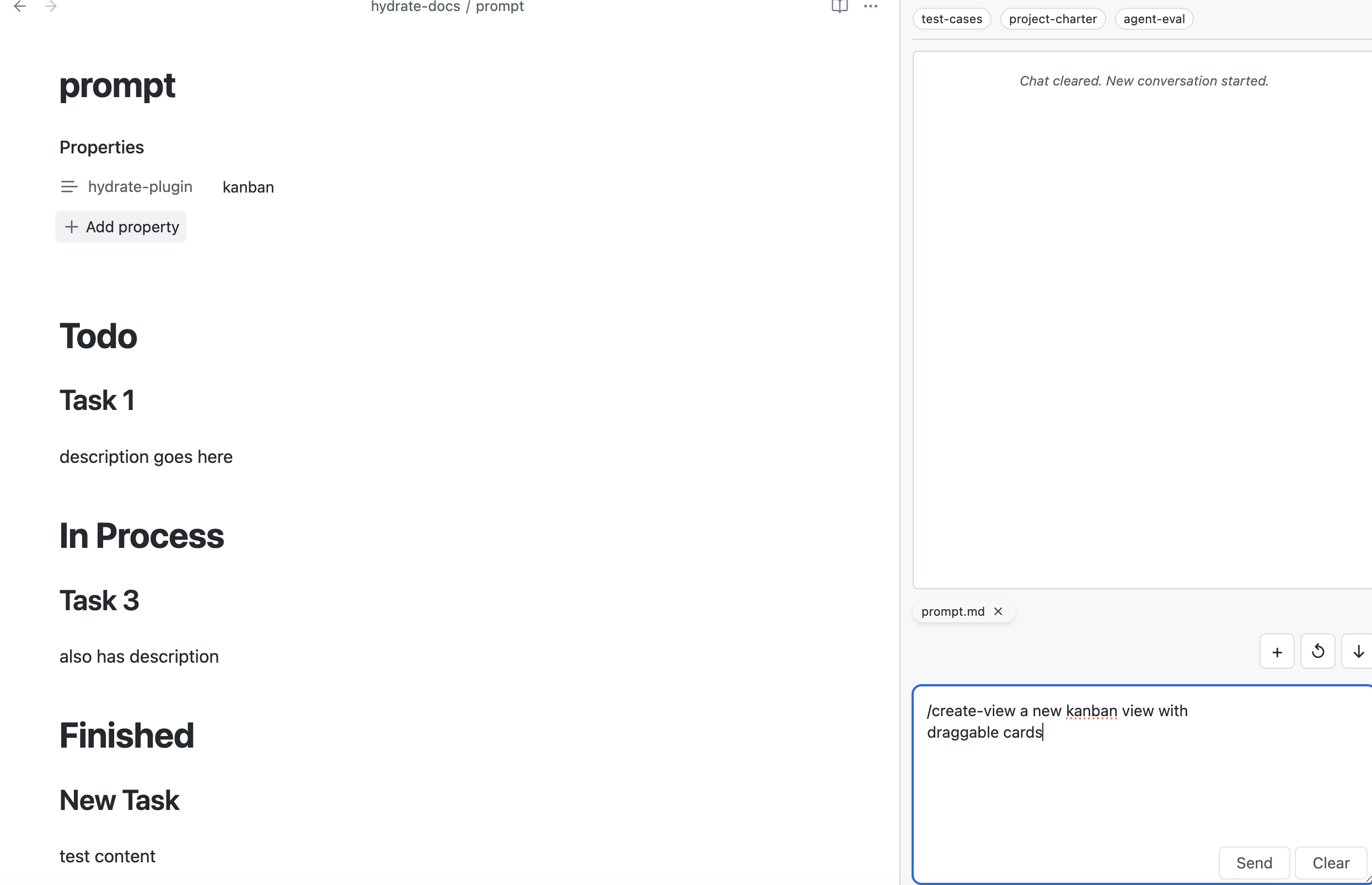
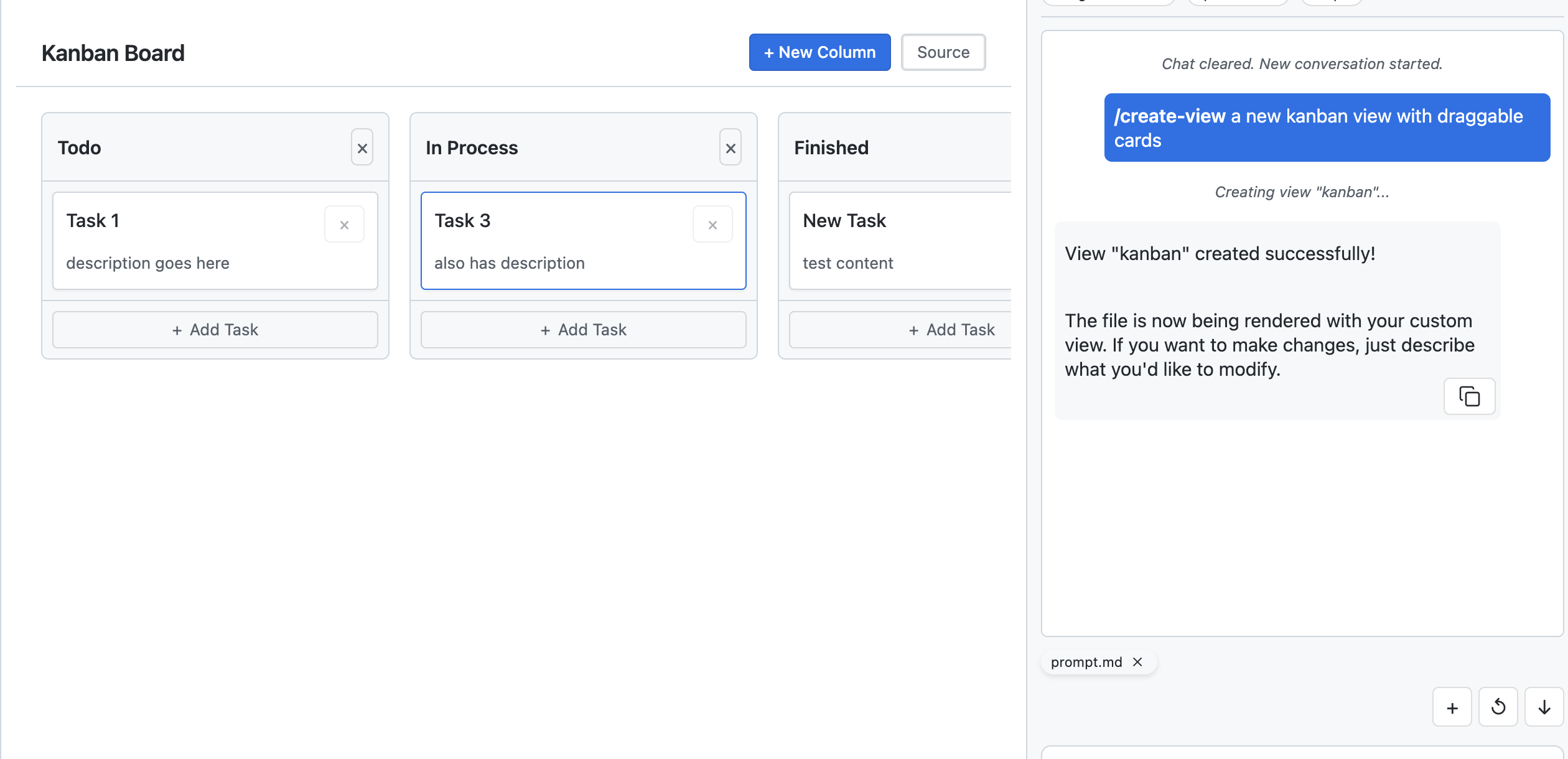
/create-view to build, /edit-view to refine
AI generates working React code with Tailwind styling
Views save to your vault and appear via frontmatter routing